Add Funds Using the Public Wallet Link
Easily add funds to your Wallet for paid API calls, without the need to log in.
Steps to Add Funds
- Access the Add Funds Page:
Open the public Add Funds link. No login or workspace access is required.
- Choose Deposit Option:
On the Add Funds page, select your preferred payment method: UPI or Bank Transfer
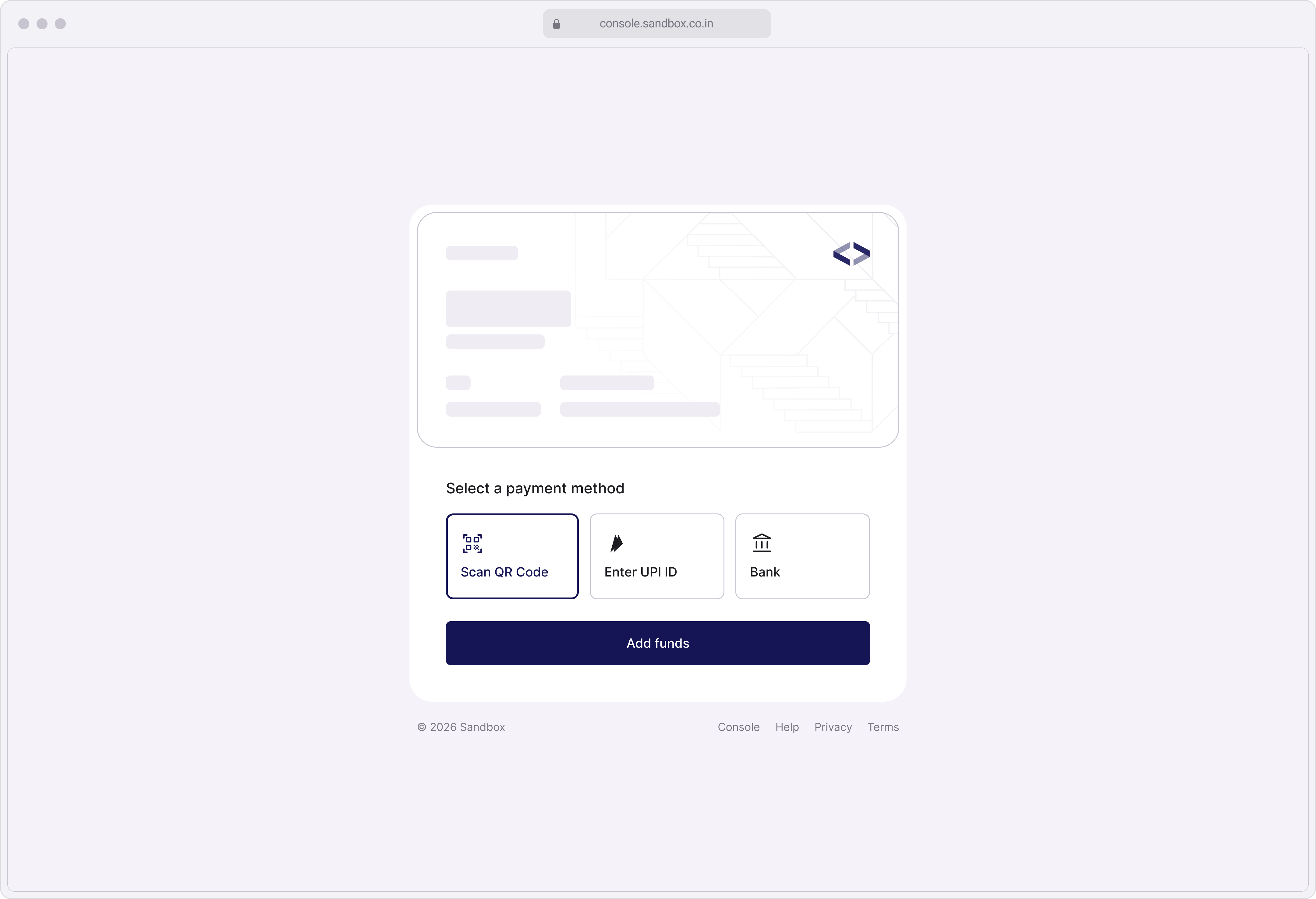
- Enter Amount:
Specify the amount you wish to add to the wallet.
- Complete the Payment:
- Verify Transaction:
Once the payment is successfully processed, the funds will reflect in the wallet balance instantly or shortly after processing.
Related Articles
Add Funds
Adding funds to your Wallet is quick and easy, ensuring you never run out of balance for Paid API calls. Steps to Add Funds Log In to Console: Access your account by logging into Console. Navigate to Wallet Section: Click the Settings icon in the ...
Pay for Subscriptions and Outstanding Invoices Using Wallet
Pay for your subscriptions and pending invoices seamlessly using your Wallet balance. Steps to Pay Using Wallet Log In to Console: Log in to your account using your account credentials. Navigate to the Billing Section: From the left navigation menu, ...
What is Wallet?
Wallet is a virtual bank account that you can use to deposit and withdraw funds. The available balance can be used to pay the Wallet Charges applicable on Paid APIs. Key Features of the Wallet Deposit Funds: Easily add money from your wallet for ...
View and Download Wallet Statement
Easily keep track of your Wallet transactions with the View and Download Wallet Statement feature. Why View Your Wallet Statement? Track Usage: Get a complete breakdown of your wallet charges for Paid API calls. Monitor Balance: Keep tabs on your ...
View Bank Account Details for Wallet
You can easily add money to your Sandbox Wallet via bank transfer (IMPS/NEFT/RTGS). Follow these steps to view the bank account details where you can transfer the funds. Steps Go to Wallet Log in to Console. From the top-right header, click on the ...